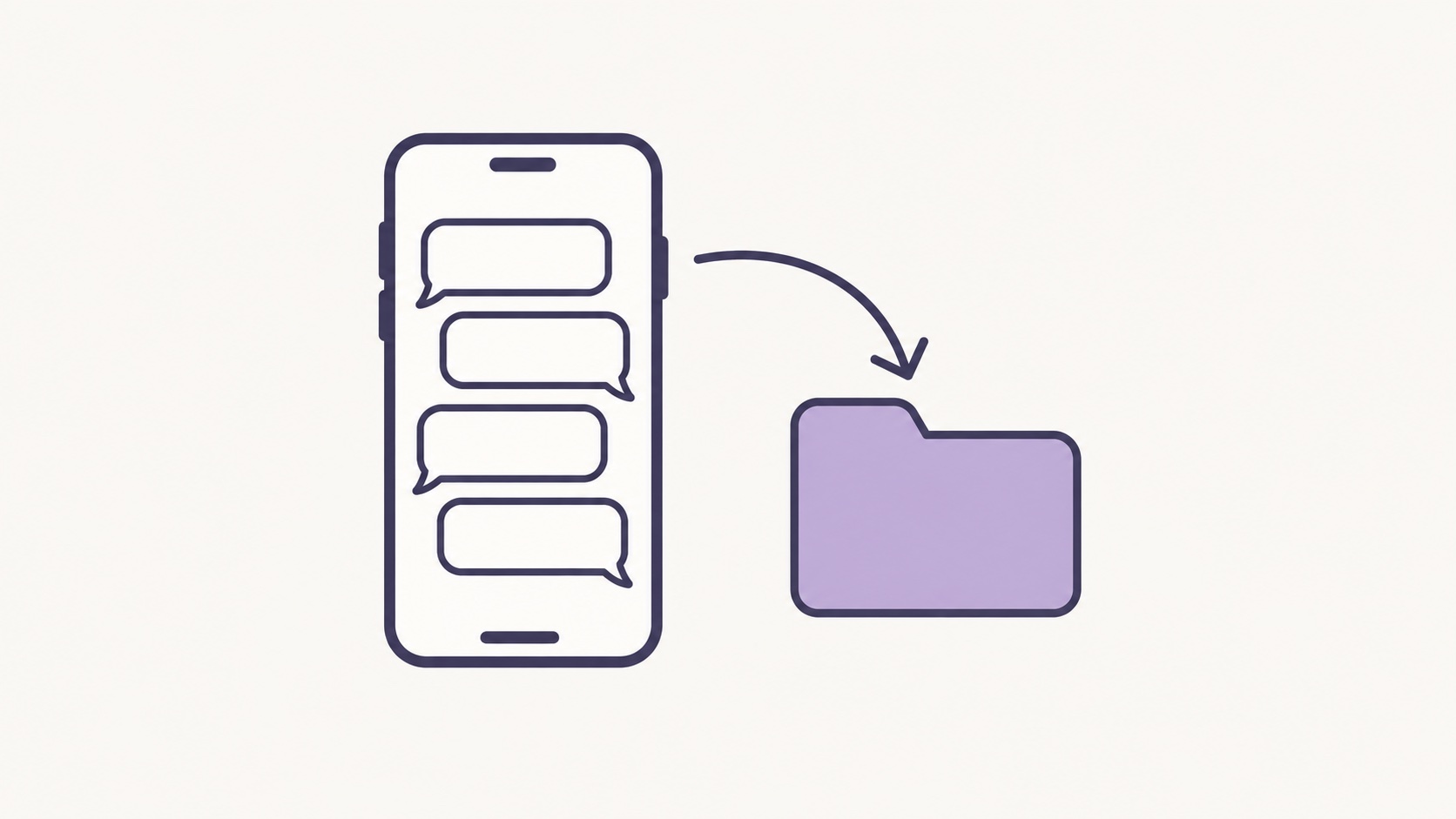
To export a WhatsApp chat on iPhone, open the chat, tap the contact's name or the group name, choose Export Chat, pick Without Media or Attach Media, and save the file to Files. Keep that exported file unchanged as your original, with the whole thread, including your own replies. Then write a short dated note about what the messages were about. This guide is for people working in India who may later raise a concern with HR or an Internal Committee.
Key points
- On iPhone, open the chat, tap the contact or group name, choose Export Chat, then Without Media or Attach Media.
- Save the file to Files and keep that original unchanged; read and annotate a copy.
- Export the whole thread, including your own replies, and note the date format and your phone's time zone.
- For sexual harassment, a POSH complaint goes to the Internal Committee within three months of the last incident.
Contents
When a WhatsApp chat becomes part of a workplace record
If your manager or colleagues use WhatsApp for rosters, targets or late-night follow-ups, a chat may matter when it contains remarks about your appearance, repeated messages after hours, threats about your job, or instructions you want to show you followed. The Ministry of Women and Child Development's handbook on the POSH Act includes offensive messages sent by SMS, WhatsApp or e-mail among its examples of sexual harassment at the workplace. Whether a particular chat falls under the Act is for the committee to decide. You do not need to settle that before you save it.
How to export a WhatsApp chat on iPhone
- Open the individual or group chat.
- Tap the contact's name or the group name at the top, then tap Export Chat.
- If the chat contains media, choose Without Media for a smaller, text-only file, or Attach Media if photos or voice notes in the chat matter.
- In the share sheet, choose Save to Files and pick a folder on your iPhone.
WhatsApp's Help Centre says the chat history is exported as a ZIP file, that view-once messages are not exported, and that the export is a text file rather than a backup, so it cannot be re-imported into WhatsApp. If a view-once photo or a voice note matters, write down what it was and when it arrived.
Check the file and keep the original
- Keep the export as it is. Leave the original file untouched and work on a copy.
- Check the range. In the copy, confirm the first and last messages, your own replies, and the messages just before and after the ones that matter.
- Note the date format and time zone. Look at how dates are written: depending on your phone's settings, 08/09/26 could mean 8 September or 9 August. Note which it is, and the time zone your phone was set to (usually IST), in your record.
- Keep a second copy. Store another copy on a device or account you control, not a work phone or an office account.
Privacy: what to keep and what not to share
Keep chats you were part of. Do not open someone else's phone or account, and do not forward other people's numbers, photos or personal details beyond what a process needs. Avoid posting screenshots on social media or in office groups. Section 16 of the POSH Act says the contents of a complaint, the identities and addresses of the people involved and the inquiry proceedings are not to be made known to the public, press or media. If you share an extract, make a copy, mark what you removed and keep the full original with you.
Write a dated note alongside the export
The export shows the messages; your note explains them. An invented example, not a real person or workplace: “Monday 14 September 2026, 10:52 pm, WhatsApp. My reporting manager sent two messages about my clothes in the team photo. I replied at 10:58 pm asking to keep to work topics. Exported the chat without media on 15 September at 8:10 am; file saved in Files, folder ‘Work notes’.”
If you use Kirokune on iPhone, you can keep screenshots of key messages as photos in one case, next to your dated notes and voice recordings, in time order and locked with Face ID or your passcode. Records are stored on your iPhone and Kirokune doesn't sync or keep its own cloud copy; if iPhone backup (iCloud or a computer) is on, your records are included in it. Keep the exported file in Files as well. Kirokune helps you organise what happened; it does not decide what happened or give legal advice.
Where it goes next
Under section 9 of the POSH Act, a written complaint of sexual harassment goes to the Internal Committee (the Act's Internal Complaints Committee, often called the ICC), or to the district Local Committee if there is none, within three months of the incident or of the last in a series. The committee can extend this by up to three months for reasons recorded in writing. For how to write it, see writing a POSH complaint to the Internal Committee. If the problem is not sexual harassment, see which route fits. For other chat apps, see how to save chat messages as a record.
Frequently asked questions
- Should I export a WhatsApp chat with or without media?
- Without Media gives a smaller, text-only file. If photos or voice notes in the chat matter, export again with Attach Media as a separate copy, or save those items and note which message they belong to. Keep whichever file you export unchanged.
- Can I edit the exported WhatsApp chat before sharing it?
- Keep the original exactly as exported. If you need to share only part of it, make a copy, remove what is not needed, mark where you removed text, and keep the full original with you.
- Can a WhatsApp chat be part of a POSH complaint?
- That is for the Internal Committee or Local Committee to decide. The Ministry's handbook lists offensive WhatsApp messages among its examples, and says the committee reviews supporting documents. List the chat in your complaint with its dates and keep the original file.
Sources
- WhatsApp Help Centre — How to export your chat history (iPhone)
- Ministry of Women and Child Development — Sexual Harassment of Women at Workplace (Prevention, Prohibition and Redressal) Act, 2013 (Gazette of India)
- Ministry of Women and Child Development — Handbook on the Sexual Harassment of Women at Workplace Act, 2013
Kirokune helps you keep a record. It does not diagnose, decide what happened, or give legal advice.