If you're a regular member, you generally can't export a Slack DM with Slack's own export tool. Workspace exports are run by owners and admins, and on every plan, exporting direct messages requires an owner to apply to Slack. What you can do is save a copy of a conversation you're part of: check your employer's policies first, then keep the whole exchange, including your own replies, with its dates. This guide is for people in the United States getting ready to talk to HR.
Key points
- Slack's built-in export is run by workspace owners and admins; on Free and Pro plans it covers public channels only.
- On every plan, exporting DMs with Slack's tools needs an owner to apply to Slack, so a regular member usually can't do it alone.
- Check your employer's confidentiality and acceptable-use policies before copying work messages to a personal device.
- Kirokune Slack Export, a Chrome extension, saves an open DM as a JSON file covering up to 31 days.
Contents
What Slack's own export covers
Slack plan | Who can export | Are DMs included? |
|---|---|---|
Free and Pro | Workspace owners and admins, public channels only | Only if an owner applies to Slack and is approved |
Business+ | Owners and admins for public channels; owners can apply for a tool that covers all conversations | Only through that approved tool |
Enterprise | Org owners, after applying for the export tool; workspace owners and admins can export public channels | Only through that approved tool |
For Free and Pro workspaces, Slack says it rejects those applications unless the owner shows one of a few grounds, such as members' consent or a requirement under applicable law. Slack also names a workplace investigation after a harassment report as one reason a company may export content. So when you talk to HR, you can point to the conversation and the dates that matter; whether the company exports anything is its decision.
Check your employer's rules first
Slack messages at work are usually company information. Before you copy any to a personal device, read your employer's confidentiality, acceptable-use and device policies, or ask HR what you may keep. Slack's own guide notes that employment and privacy laws and company policies limit how exports can be used. Save only conversations you're part of, leave out unrelated client or company details, and never sign in to someone else's account.
Save a DM you can see with Kirokune Slack Export
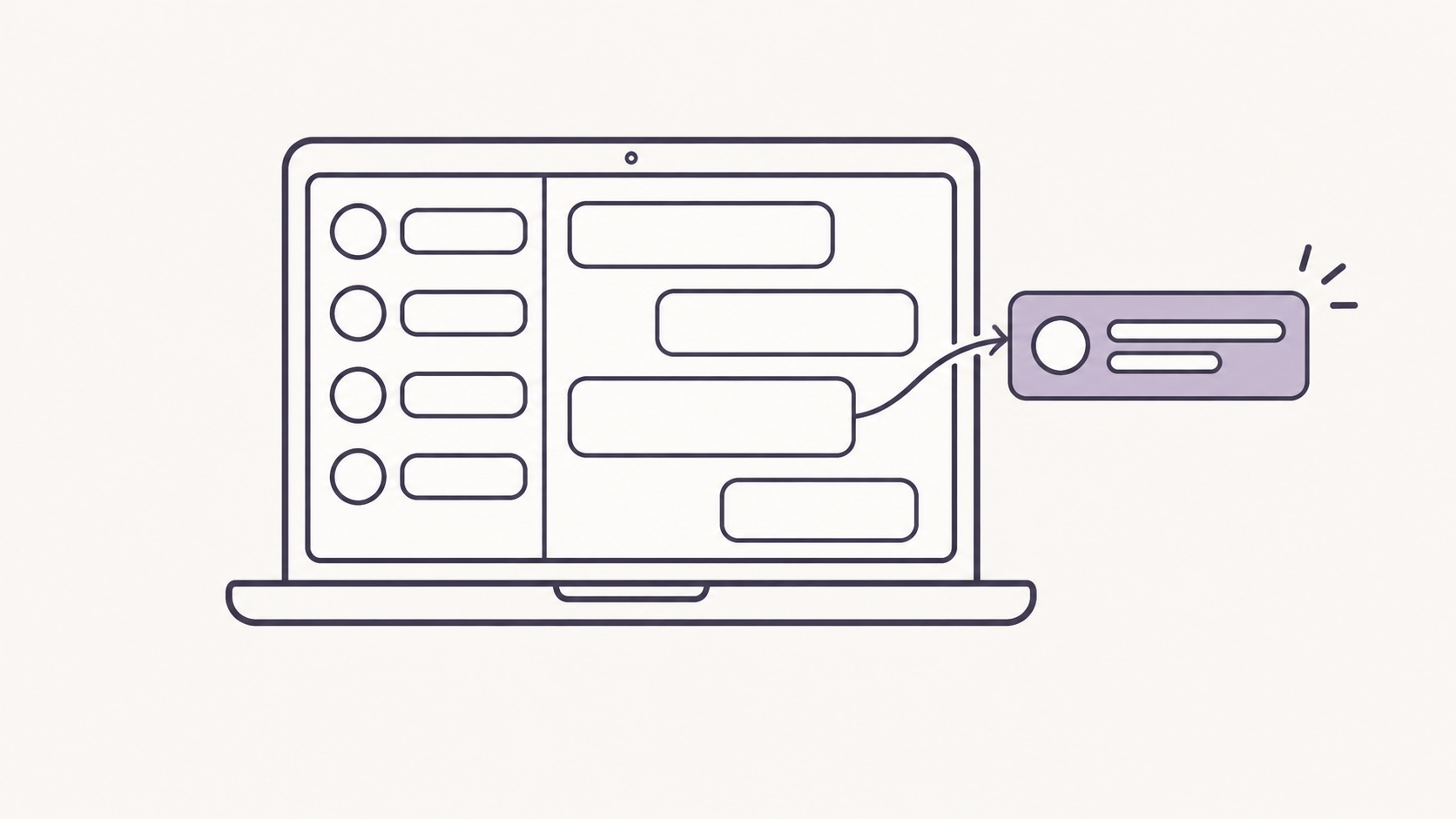
Kirokune Slack Export is a Chrome extension made by Kirokune, not by Slack. It saves the conversation you have open, with its thread replies, as a JSON file on your computer:
- On a Mac or PC, add Kirokune Slack Export to Chrome.
- Open Slack in Chrome at app.slack.com and go to the DM.
- Open the extension and choose a start and end date, up to 31 days including both. For a longer stretch, export again for the next period.
- Start the export. The Slack tab reloads once, and a file named slack-*.json is saved to your computer.
- Open the file and check the dates, the names and the messages just before and after the ones that matter. Keep this file unchanged.
The extension uses your signed-in session with the same Slack workspace and does not send message content to Kirokune or any third-party server. Its store listing also asks you to make sure your organization permits exporting the conversation. If someone has already given you a workspace export, Kirokune can also read a conversation's daily JSON file from the unzipped folder, one day per file. Screenshots are another option, and Kirokune can keep them as photos; capture whole screens, with names and times visible.
Bring it into Kirokune on your iPhone
Move a copy of the JSON file to the Files app on your iPhone (from a Mac, AirDrop is one way). In Kirokune, open Chat, choose Slack, then choose the exported file. The file is read on your iPhone. Kirokune saves the conversation as one record with its original text kept alongside, lets you choose which sender is you, and lets you mark the messages you want to come back to. It sits in the same case as your notes, recordings and photos, in time order. Records are stored only on the device, so keep the original file somewhere you control too.
Before you talk to HR
Bring a short timeline: dates, what was said, and where each message is saved. Whether a message matters to a complaint is for HR, an investigator, the EEOC or a lawyer to judge; Kirokune does not decide what happened or give legal advice. For what to write in each entry, see how to document workplace incidents, and if things change after you report, how to document retaliation. For Apple Messages, Messenger or Instagram, see how to save chat messages as a record.
Frequently asked questions
- Can you export Slack DMs as a regular member?
- Not with Slack's own export tool. Workspace exports are run by owners and admins, and DMs are included only when an owner applies to Slack and is approved. You can save a copy of a conversation you're part of, after checking your employer's policies.
- How far back can Kirokune Slack Export go?
- Each export covers up to 31 days, including the start and end dates. For a longer period, run it again for the next stretch and keep each file. It can only save messages that are still in the conversation.
- Is it okay to save Slack messages on my personal phone?
- Check your employer's confidentiality and device policies first, or ask HR what you may keep. If you keep a copy, save only conversations you're part of and leave out unrelated company information.
Sources
Kirokune helps you keep a record. It does not diagnose, decide what happened, or give legal advice.