For documenting work incidents, the best tool is the one you will actually use the same day. A notes app, voice memos, a paper notebook and an email to yourself can all work, as long as each entry has the date, what was said or done and who was there, the original stays untouched, and everything ends up in one private place you control. Most people use a mix. The trouble starts when entries are scattered across tools and out of order. This guide is for people working in the United States.
Key points
- Any tool works if you write the same day, leave the original untouched and keep everything in one private place you control.
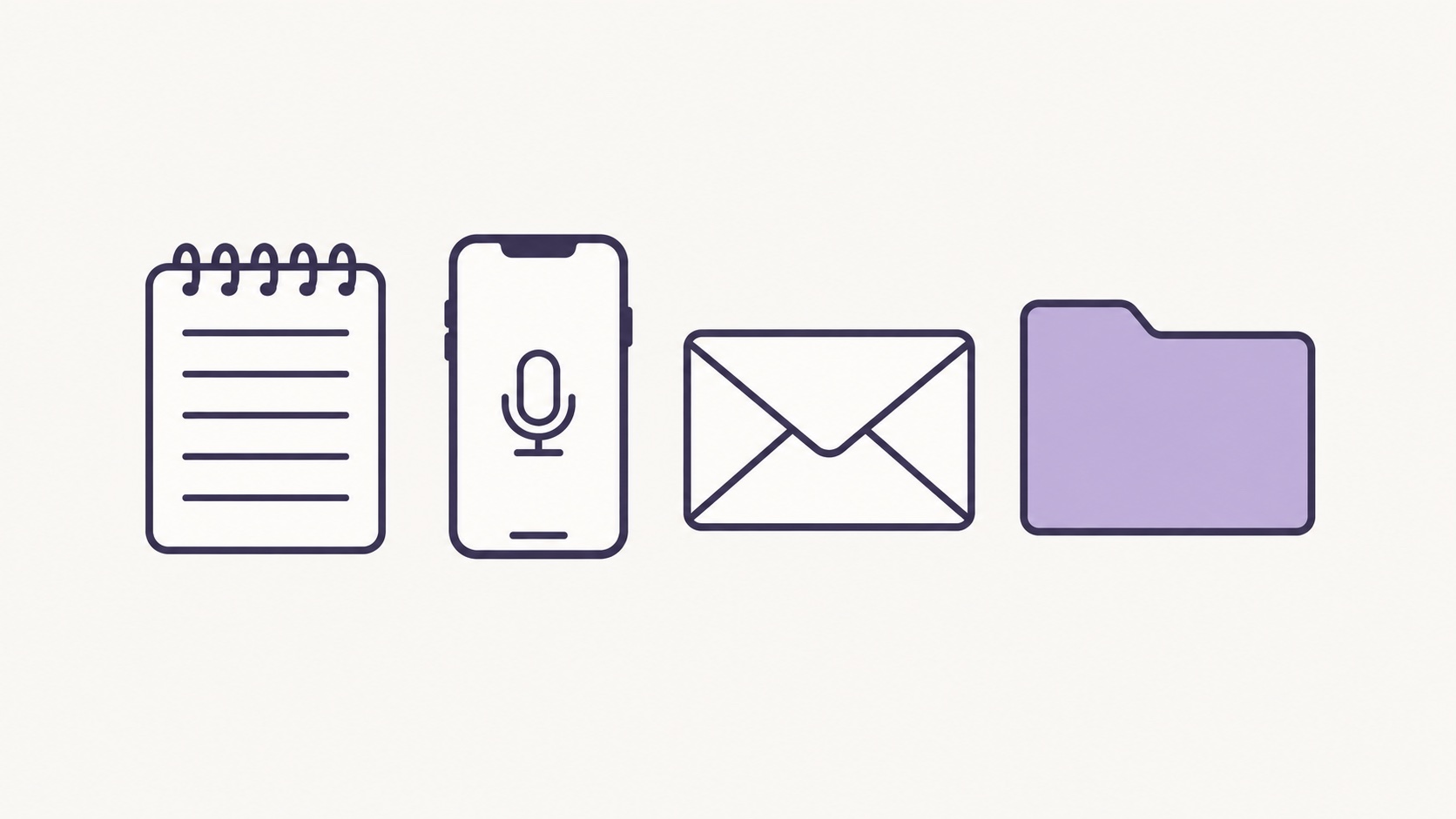
- A notes app is quick to search, a voice memo catches detail fast, paper never syncs anywhere, and an email to yourself shows when you wrote it.
- Keep incident notes off work devices and work accounts, which belong to your employer.
- No tool decides whether something is harassment; HR, an investigator, the EEOC or a lawyer looks at that.
Contents
Notes app, voice memos, paper or email: pros and cons
Tool | Good at | Watch out for |
|---|---|---|
Notes app | Fast to type, easy to search, always on your phone. | Easy to edit over the first version. The date shown is when the note was created or changed, not when the incident happened. |
Voice memos | Getting your account down in your own words minutes after it happens, even while walking to your car. | Hard to skim later. A memo of you describing events is different from recording a conversation with other people. |
Paper notebook | Nothing to sync or sign in to, and writing by hand can slow you down enough to be precise. | Can be lost or found; no automatic date; hard to copy or search. |
Email to yourself | The sent time shows when you wrote it, and attachments stay with the text. | Use a personal account only. Long threads get hard to sort by the date of each incident. |
Whatever you choose, avoid a work phone, a work laptop and work email or cloud accounts. Those belong to your employer, and your access usually ends when the job does.
A combination that works today
- Capture it the same day. A one-minute voice memo in the parking lot counts. Say the date, the time and who was there.
- Write it up within a day or two. Type a short note from the memo: when, where, what was said or done, who was present and what you did next. Keep the incident date separate from the date you wrote the note.
- Leave originals as they are. Don't tidy up an old note. If you remember more, add a dated addition. Save related emails, texts and chat messages, including your own replies.
- Once a week, put it in order. Move everything into one place, sorted by when things happened. The free incident log template gives you the same prompts on one page.
Here is a fictional example: “Voice memo, Tuesday 6:05 p.m.: at the 4 p.m. shift handoff, my manager told me in front of two coworkers that I would be moved to nights ‘if I keep asking questions.’ Typed up Wednesday at 8:30 p.m. I'm not sure of the exact wording after ‘moved to nights.’” The memo caught the detail; the note makes it readable and marks what is uncertain.
What an app can add
A notes app or a recorder keeps each item on its own. An app built for this can keep notes, recordings, photos and chat exports together in one timeline. Kirokune, for example, keeps them in one case on your iPhone, in time order, behind Face ID or your passcode, and hides its screen when you switch apps. It needs no account, and a Home Screen widget can start a recording or a note in one tap. The free version includes one case with no limit on the number of records; PDF export is a Kirokune Plus feature. Records stay on the device, with no cloud sync or automatic backup, so keep your own copies of important originals.
What no tool decides
No app, notebook or inbox decides whether something is harassment, or how HR, an investigator, the EEOC, a lawyer or a court will treat your notes. That is for them to assess. What you control is how clear the record is: dated entries, exact words where you remember them, and gaps marked as gaps. Kirokune helps you keep what happened in order; it does not diagnose, decide what happened or give legal advice.
Don't wait for a perfect system, either. An EEOC charge generally must be filed within 180 or 300 calendar days, depending on where you work. If you are thinking about recording a conversation rather than your own account of it, check the rules that apply where you are and your employer's policy, and consider telling the other person first. For what to put in each entry, see how to document workplace incidents before you go to HR.
Frequently asked questions
- Is a voice memo or a written note better for documenting work incidents?
- Use whichever gets it down the same day. A voice memo is faster right after something happens; a written note is easier to reread and share. Many people record a quick memo, then type a short note from it and keep both.
- Can I email notes about work incidents to myself?
- Yes, from a personal account to a personal account. Avoid work email: it belongs to your employer, and you may lose access when you leave. Keep one email per incident and put the incident date in the subject line.
- Should I keep incident notes on my work phone?
- It is better to use a device and account that are yours. Work devices and accounts are managed by your employer, and access usually ends with the job. Check your employer's policy before copying any work files to a personal device.
Sources
Kirokune helps you keep a record. It does not diagnose, decide what happened, or give legal advice.